Introduction
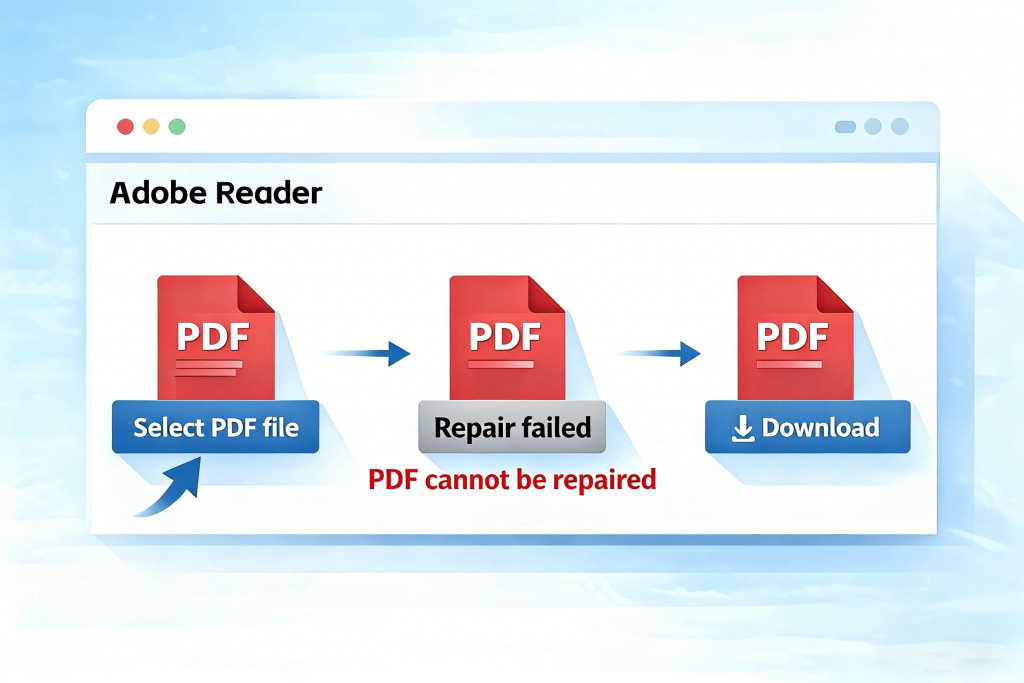
When trying to open a PDF file, you may encounter the error message:
“PDF file is damaged and could not be repaired.”
This message often appears in PDF readers like Adobe Acrobat and can be confusing or frustrating. In this article, we’ll explain what this error actually means, why it happens, and what you can realistically do next.
What This Error Message Really Means
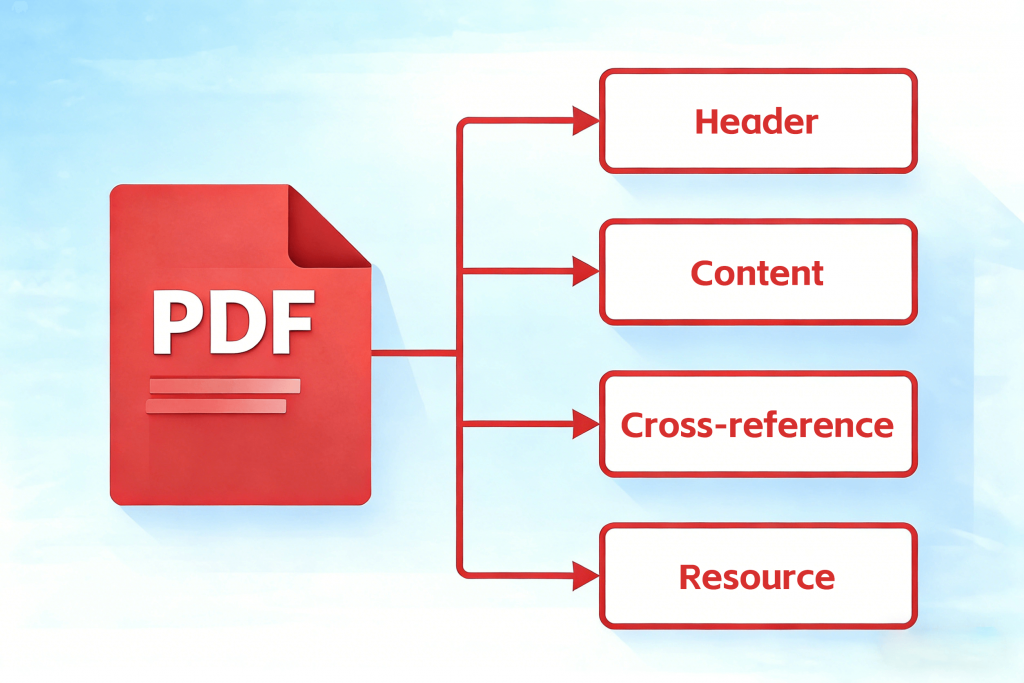
This error indicates that the internal structure of the PDF file is broken beyond what the software can automatically fix.
A PDF file is made up of:
- Headers
- Object references
- Cross-reference tables
- Embedded fonts and images
If one or more of these elements are missing or corrupted, the reader may fail to reconstruct the document.
Common Causes of PDF File Damage
- Interrupted downloads
- Power failure during file saving
- File transfer errors
- Corrupted storage devices
- Incompatible or outdated PDF software
In some cases, the file was never saved correctly in the first place.
Why Some PDF Files Cannot Be Repaired
Not all corrupted files are recoverable.
A PDF may be impossible to repair if:
- Large portions of the file are missing
- The cross-reference table is completely destroyed
- The file was overwritten with incorrect data
Repair tools can only fix partial damage, not total data loss.
What You Can Try Before Giving Up
Before abandoning the file, try these steps:
- Open it with a different PDF reader
- Re-download the file from the original source
- Convert the PDF to another format
- Use a reputable PDF repair tool
This error message is commonly displayed by PDF readers when the file structure cannot be properly interpreted.
Popular PDF viewing software, such as Adobe Acrobat Reader, may show this message if the header, cross-reference table, or internal objects of the file are damaged. Other standard PDF viewers may display similar warnings when encountering the same issue.
If none of these work, the file may be permanently damaged.
How to Prevent This Error in the Future
- Avoid interrupting downloads
- Safely eject USB drives
- Keep backup copies
- Update PDF software regularly
Conclusion
The message “PDF file is damaged and could not be repaired” does not always mean the content is lost, but it does indicate serious structural issues. Understanding the cause helps you decide whether repair attempts are worth continuing.
发表回复