Introduction
Online file repair tools are useful, but they don’t always work. Many users are surprised when a repair attempt fails without explanation. This article explains why online file repair tools sometimes fail and what alternatives you have.
Common Reasons Repair Tools Fail
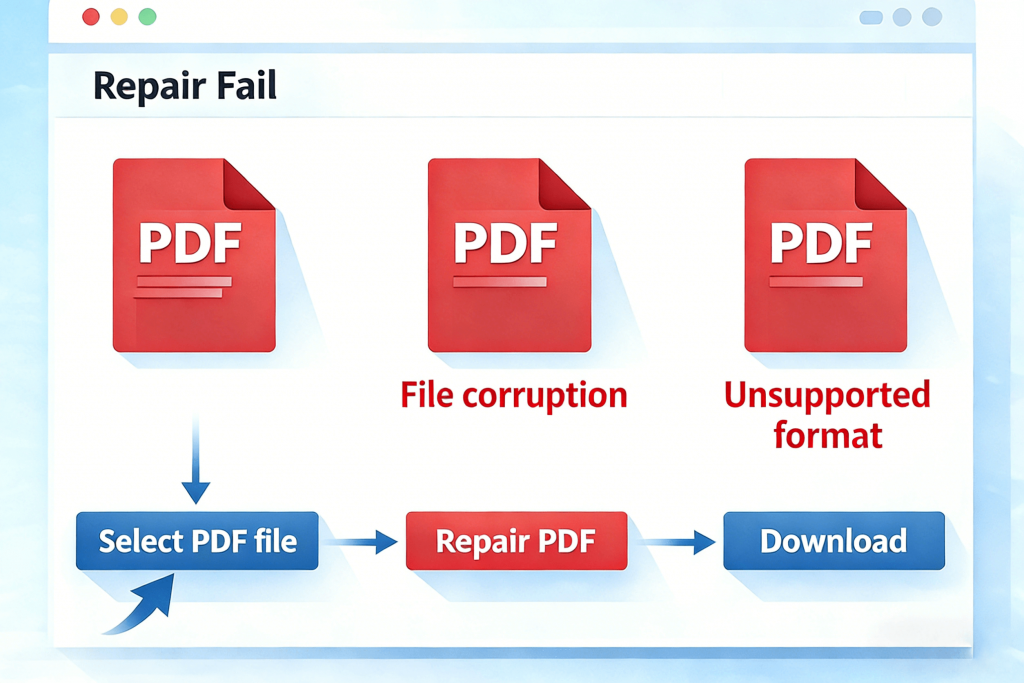
- Severe file corruption
- Missing core file structure
- Unsupported file formats
- Encrypted or password-protected files
- Very large file sizes
Online tools often have technical limits.
What “Repair Failed” Actually Means
A failed repair usually means:
- The tool could not reconstruct missing data
- The file damage exceeds repair capabilities
- The format is incompatible
It does not necessarily mean the file is completely useless.
What You Can Try Next
If online repair fails, try:
- Offline repair software
- File format conversion
- Opening the file with older software versions
- Restoring from backups or cloud storage
When a File Cannot Be Repaired
Sometimes recovery is impossible. This usually happens when:
- The file was overwritten
- Storage media is physically damaged
- File size is abnormally small
Knowing when to stop saves time and reduces frustration.
Conclusion
Online repair tools are helpful but limited. Understanding their limitations allows you to make better decisions and choose the most effective recovery method.