Introduction
Online file repair tools are convenient and widely used, but many users wonder:
Is it safe to upload personal or sensitive files to these services?
This article explains the risks, safety considerations, and best practices when using online file repair tools.
How Online File Repair Tools Work
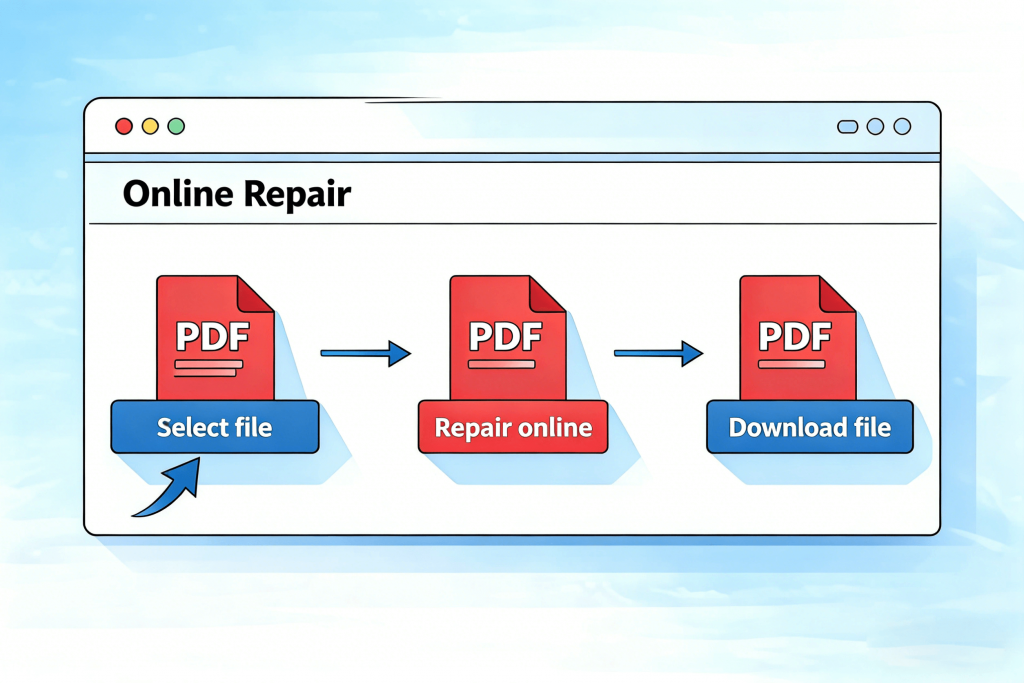
Most online tools work by:
- Uploading your file to a remote server
- Analyzing its structure
- Attempting automatic repair
- Allowing you to download the result
Some commonly used online file repair services include:
Because files are processed externally, privacy becomes an important concern.
Potential Risks You Should Know
Uploading files online may involve:
- Data retention on third-party servers
- Unauthorized access
- Weak encryption during transfer
- Unknown data handling policies
This is especially important for documents containing personal or financial information.
How to Check If a Repair Tool Is Trustworthy
Before uploading a file, look for:
- Clear privacy policies
- HTTPS encryption
- Transparent data deletion policies
- Reputable branding and user reviews
Avoid tools that provide no contact information or policy pages.
Files You Should Avoid Uploading
Do not upload:
- Legal documents
- Medical records
- Financial statements
- Confidential business files
For sensitive data, offline repair tools are safer.
Safer Alternatives
- Use offline software
- Convert files locally
- Restore from backups
- Request the original file again
Conclusion
Online file repair tools can be helpful, but they are not risk-free. Understanding how they work and choosing trusted services helps protect your data and privacy.